
MCP Apps biến đầu ra của agent thành một bề mặt sản phẩm
Tech
Lượt xem 155
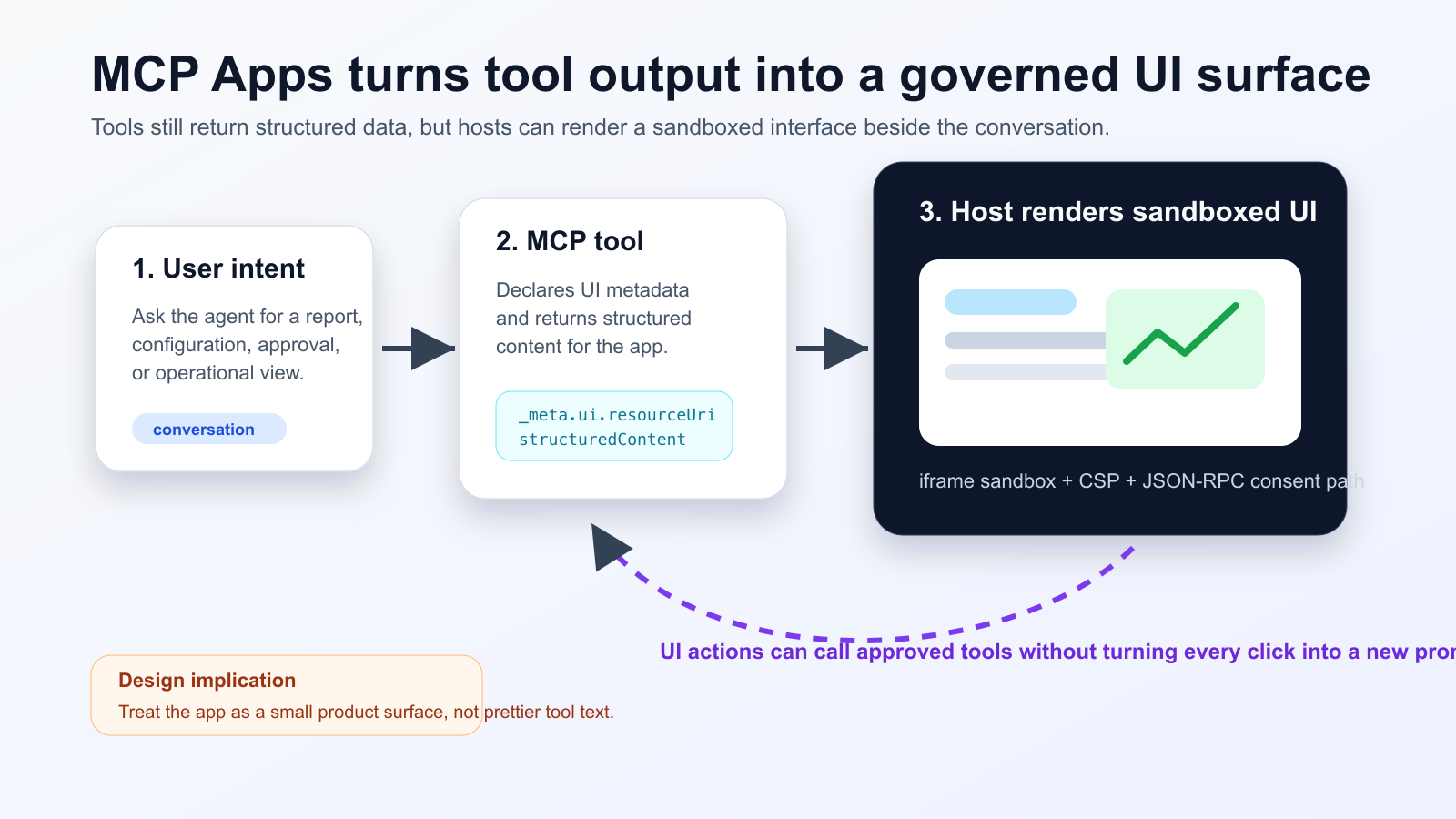
MCP Apps cho phép tool của agent trả về giao diện HTML tương tác, được host hiển thị trong sandboxed iframe ngay trong cuộc trò chuyện. Hỗ trợ của Nuxt MCP Toolkit cho thấy mô hình này đang đi vào workflow frontend quen thuộc.
Điều đã thay đổi
Nhóm phát triển cần tách phần tóm tắt cho model khỏi dữ liệu chi tiết cho UI. Hành động thay đổi trạng thái phải có consent, audit log và cách phục hồi khi lỗi.
Practical checklist
- Keep the tool schema stable before designing the widget.
- Separate model-readable summaries from UI-only detailed data.
- Require explicit consent and logs for state-changing actions.
- Test iframe sandboxing, CSP, CORS and OAuth redirects in the real host.
- Track UI actions, tool calls and failures in one trace.
Phù hợp với dashboard, phê duyệt triển khai, triage sự cố và review tài liệu. Không nên dùng cho câu trả lời ngắn. Hãy kiểm thử trên host thật, không chỉ MCP Inspector.
The practical conclusion is simple: treat MCP Apps as a product surface for high-friction agent workflows, not as decoration for every tool response.
Nguồn
- Model Context Protocol Blog: MCP Apps - Bringing UI Capabilities To MCP Clients
- Model Context Protocol Docs: MCP Apps overview
- Model Context Protocol SEPs index: SEP-1865 status
- Vercel Changelog: Nuxt MCP Toolkit now supports MCP apps
- Nuxt MCP Toolkit documentation
- Microsoft Learn: Add interactive UI widgets to declarative agents
- Microsoft Q&A: MCP Apps UI does not render in Copilot 365 Chat, used as practitioner signal
- Reddit r/ClaudeAI thread on MCP Apps traction, used as community signal