
MCP Apps trasforma l’output degli agenti in una superficie prodotto
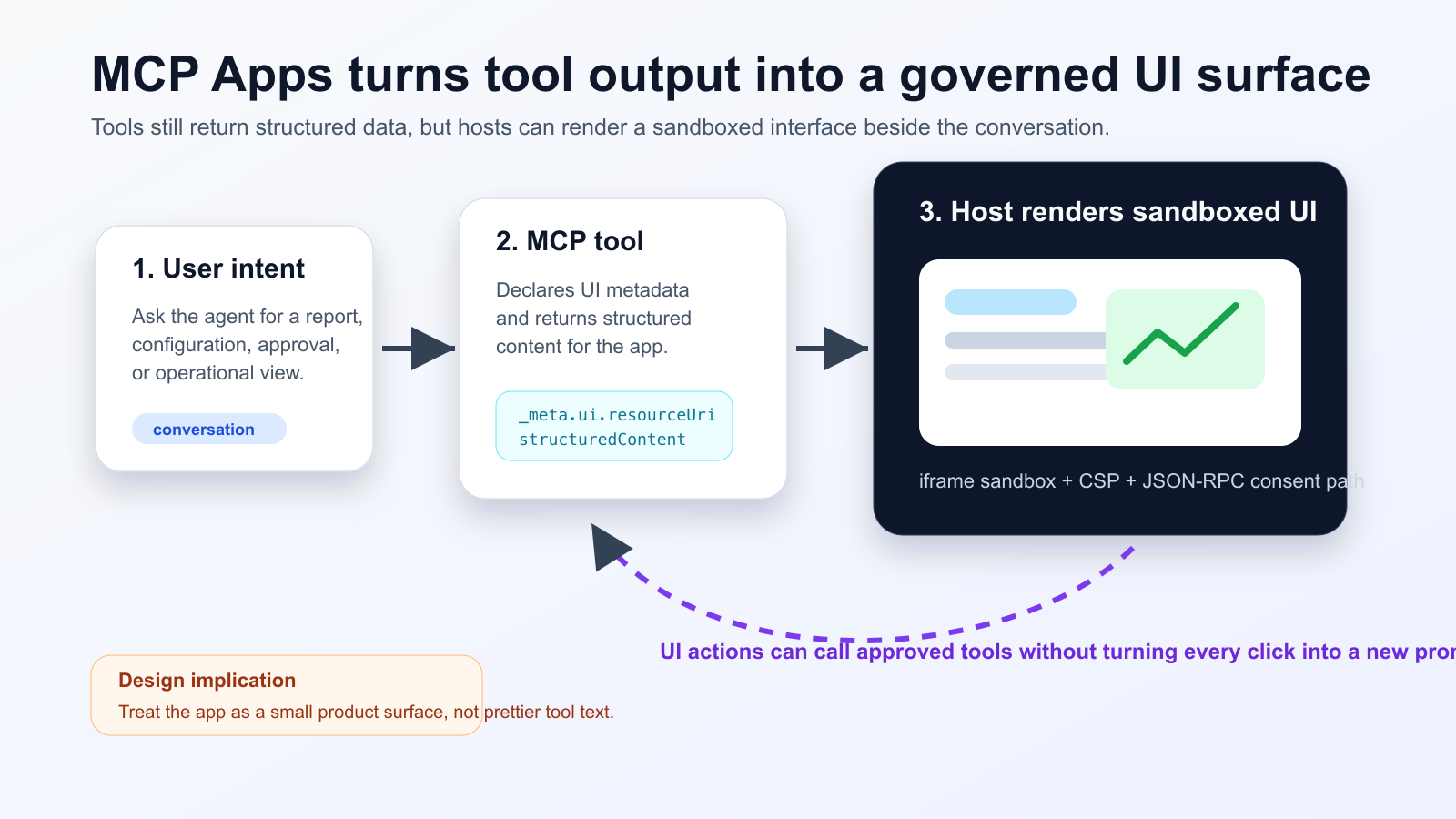
MCP Apps permette a un tool di dichiarare una risorsa UI che l’host renderizza in un iframe sandboxato dentro la conversazione. Non è solo output più bello: è una superficie interattiva con dati, azioni e consenso.
Cosa cambia
Il supporto nel Nuxt MCP Toolkit indica che i framework stanno trasformando lo standard in componenti sviluppabili. Ma il lavoro vero è architetturale: schema stabile, confini tra modello e UI, autorizzazioni, audit e compatibilità host.
Practical checklist
- Keep the tool schema stable before designing the widget.
- Separate model-readable summaries from UI-only detailed data.
- Require explicit consent and logs for state-changing actions.
- Test iframe sandboxing, CSP, CORS and OAuth redirects in the real host.
- Track UI actions, tool calls and failures in one trace.
I casi migliori sono dashboard operative, approvazioni, triage e revisione documenti. Per una risposta breve resta meglio il testo. MCP Inspector è utile, ma non sostituisce il test nel client finale.
The practical conclusion is simple: treat MCP Apps as a product surface for high-friction agent workflows, not as decoration for every tool response.
Fonti
- Model Context Protocol Blog: MCP Apps - Bringing UI Capabilities To MCP Clients
- Model Context Protocol Docs: MCP Apps overview
- Model Context Protocol SEPs index: SEP-1865 status
- Vercel Changelog: Nuxt MCP Toolkit now supports MCP apps
- Nuxt MCP Toolkit documentation
- Microsoft Learn: Add interactive UI widgets to declarative agents
- Microsoft Q&A: MCP Apps UI does not render in Copilot 365 Chat, used as practitioner signal
- Reddit r/ClaudeAI thread on MCP Apps traction, used as community signal