
Chat SDK now includes AI SDK tools: agent features need permission design first
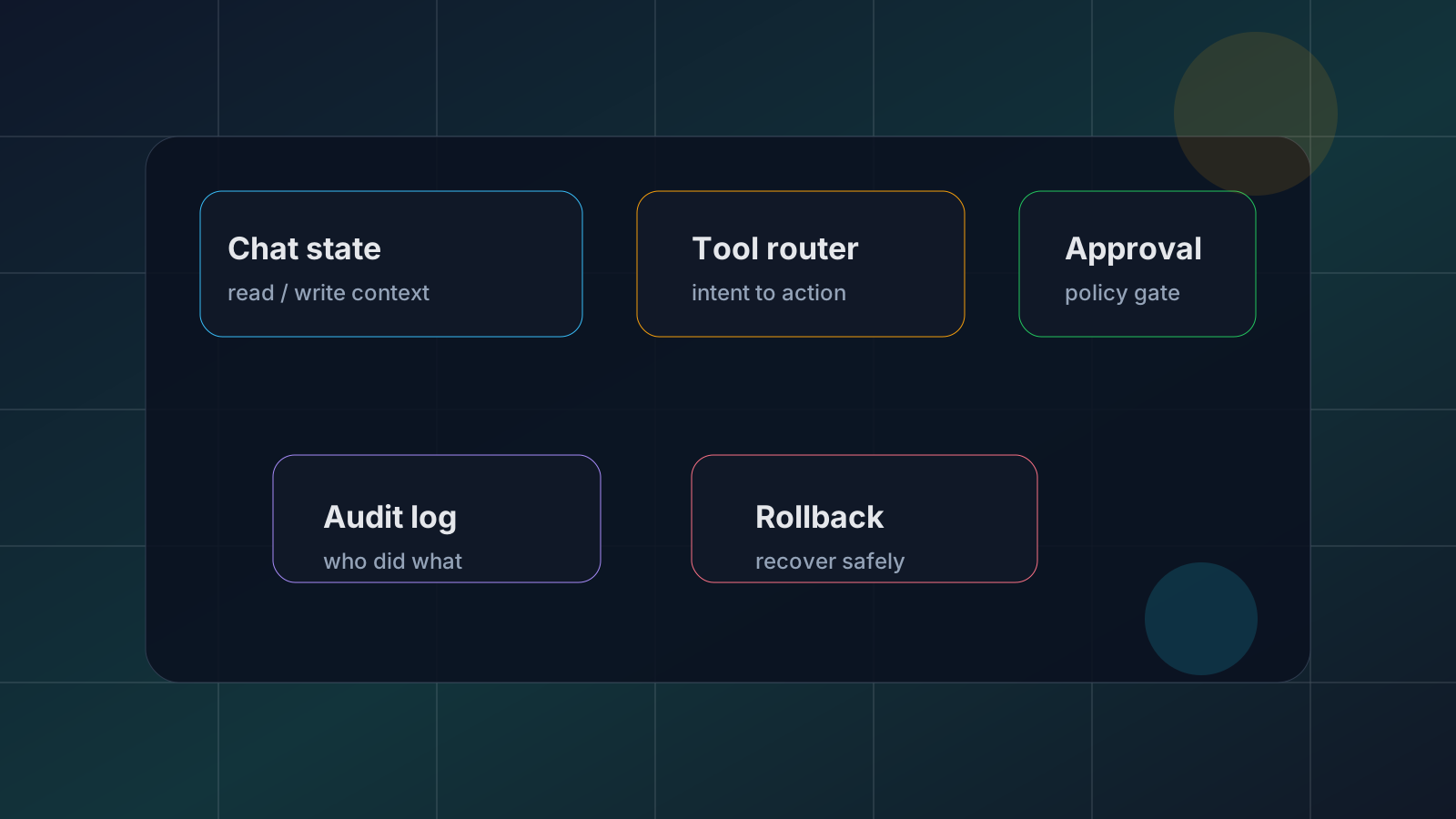
The next phase of AI chat products is not just better answers. It is the question of which real actions the model may take on behalf of a user. Vercel’s May 20, 2026 announcement that Chat SDK now includes an AI SDK toolset should be read in that context. The notable pieces are the new chat/ai subpath and createChatTools(chat), which reduce the glue code between chat state, message operations, and agent tools.
The practical takeaway is not simply “agents are easier now.” It is that agents are easier to expose, so permission design becomes more urgent. Across developer communities such as Reddit, Hacker News, and Threads, the repeated concern is not whether tool calling is impressive. It is how teams decide which tools are safe, when the user must approve an action, how a failed action is explained, and what gets logged. Those community signals are not factual proof; they are a useful map of where builders feel operational risk.
What changed
Before this kind of integration, teams often had to define product-specific tools for reading chat state, drafting messages, updating UI state, moderating output, and requesting confirmation. AI SDK already provided the shape of tool calling, but every product still had to bridge that capability into its own chat surface. The new Chat SDK path makes that bridge more official and repeatable.
Why it matters
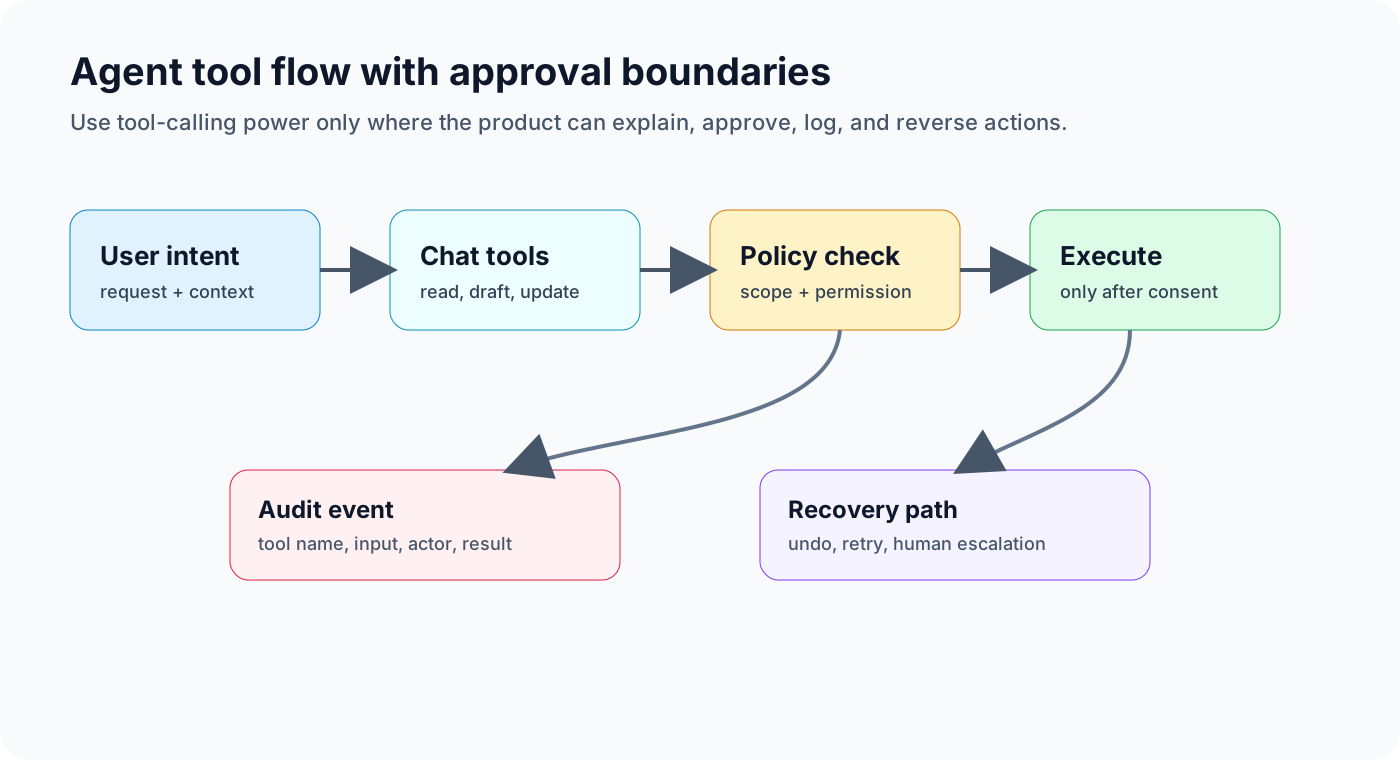
Agent demos look smooth because the happy path is short. Production systems are different. Calendar invites, payments, deployments, customer record updates, and outbound emails are not harmless text completions. They create side effects. A responsible flow needs the user intent, model proposal, server-side policy check, user approval, execution result, and audit event. If one part is missing, convenience can quickly become support burden or security risk.
For engineering teams, the value of this update is reduced boilerplate. But less boilerplate does not remove accountability. The product still has to decide the policy layer: which tools are read-only, which tools can mutate state, which tools require explicit approval, which actions are forbidden regardless of prompt wording, and how recovery works. The difference between a toy agent and a product agent is usually not the model. It is the boundary around the model.
Implementation checklist
- Separate read-only tools from write tools.
- Make approval the default for tools that mutate external state.
- Log tool name, input, actor, approver, result, and failure reason.
- Provide undo, retry, or human escalation for risky actions.
- Give payment, deployment, personal data, and outbound messaging tools stricter permission levels.
- Enforce hard restrictions in server policy, not only in prompts.
Risks and counterarguments
Approval on every action can make an agent feel slow. That is why the right design is not blanket blocking. It is risk-tiered automation. Search, summarization, and draft generation can often run automatically. Actions that change another system should require stronger checks. The best agent experiences will feel fast because low-risk tasks are automated, and trustworthy because high-risk tasks are explained before they happen.
Bottom line
The Chat SDK and AI SDK tools connection lowers the cost of adding agent behavior to a chat product. That makes the design question sharper: what should never run without approval? Teams that answer that question early will ship agents that users can actually trust.