
The Big One Launch Week Ops Note: Helping Players Find the Next Cast
After launching The Big One, the first thing to watch is not a dramatic number. It is whether a player can understand the next action without friction. This note looks at the launch-week path from store download to casting, bite reaction, reeling, and Fishpedia review.
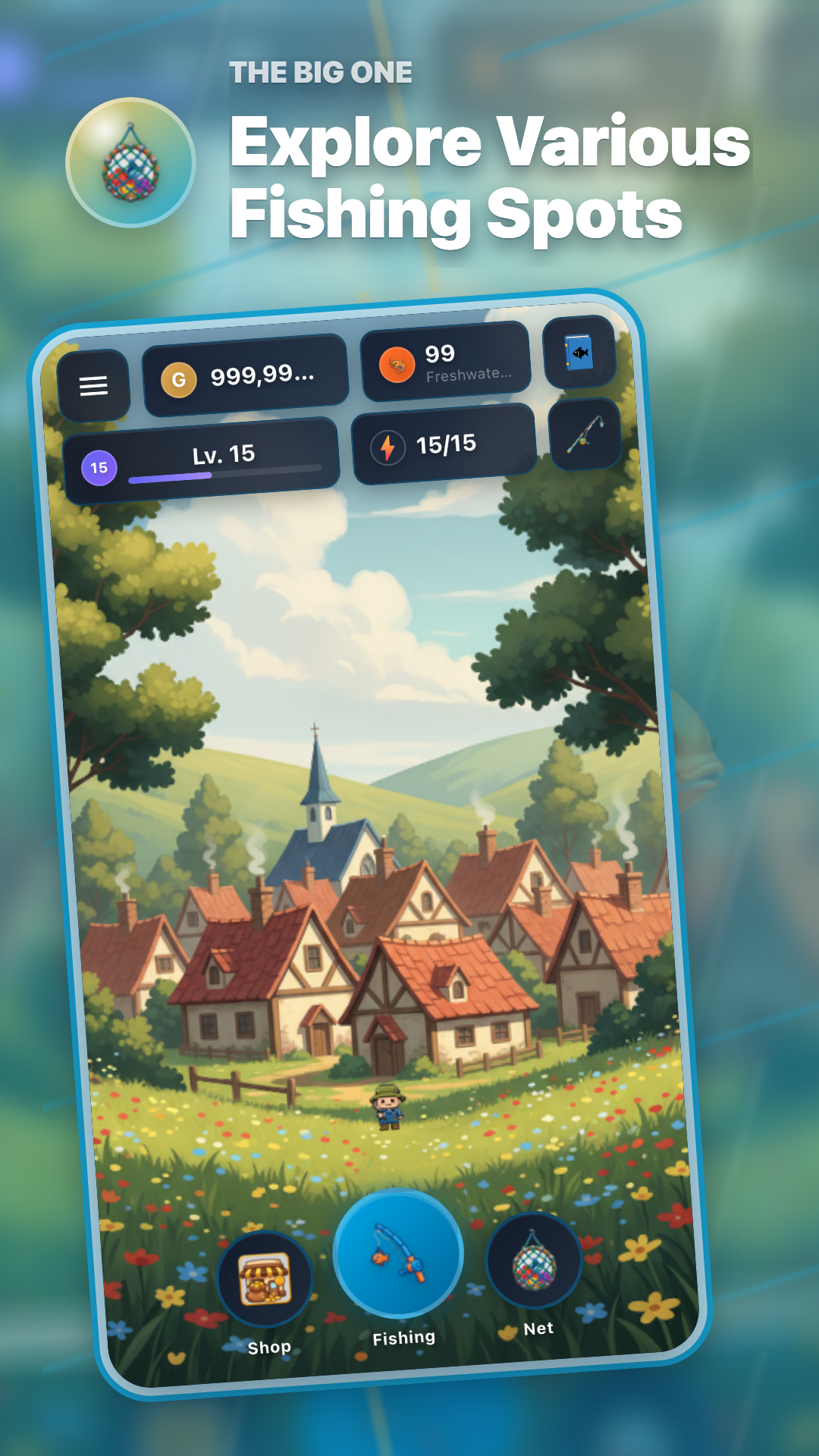
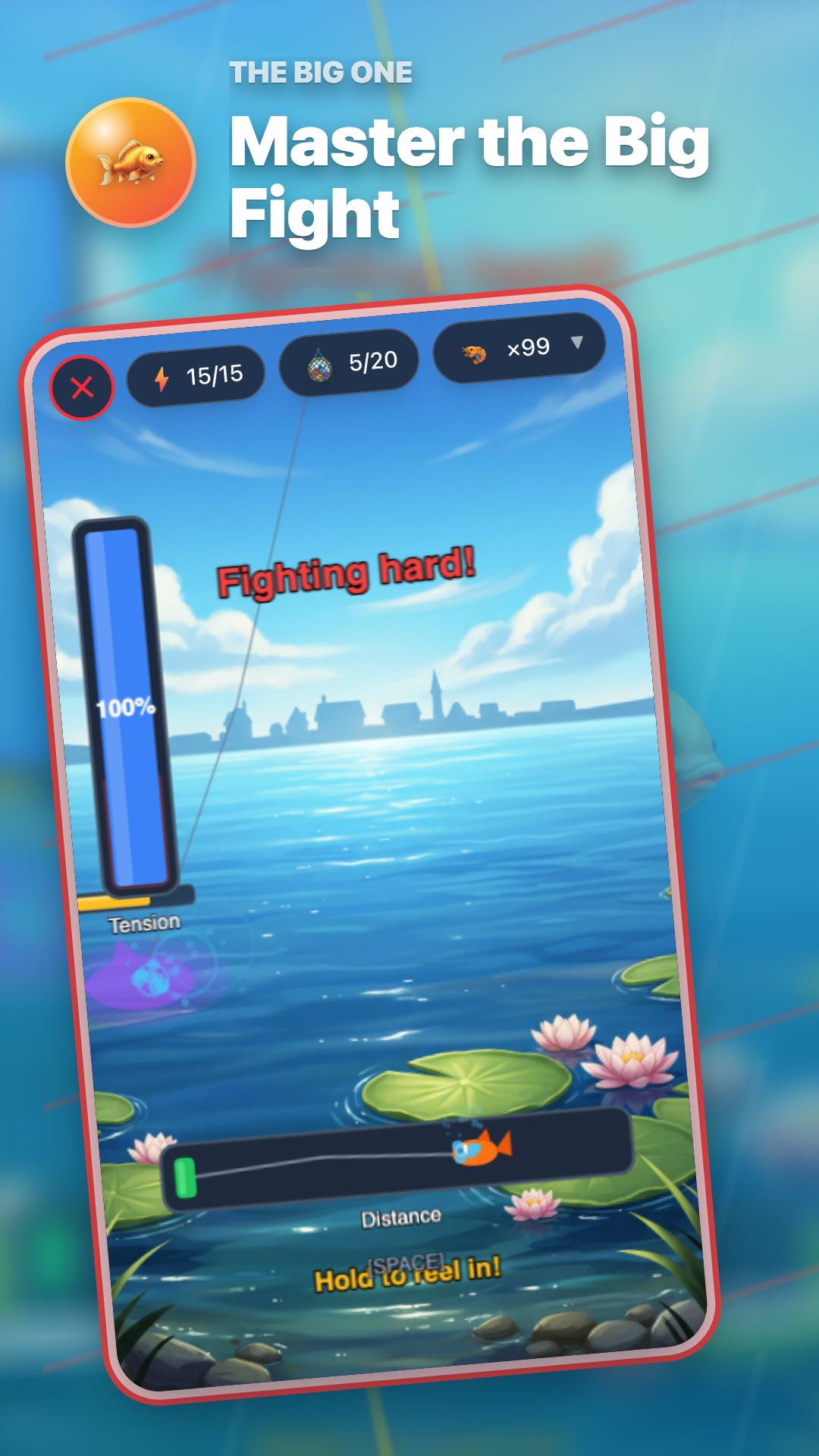
Three surfaces we watched first
- Store links should guide Android and iPhone/iPad players to the right download page.
- The first session should connect casting, bite reaction, and reeling without requiring too much explanation.
- Fishpedia should make the next collection target visible across 150+ fish species.
What the first fishing loop needs to explain
For a casual fishing RPG, the first loop needs to communicate a simple promise: cast, wait, hook, and reel. In operation, that means checking whether gear progression, fishing spot unlocks, and collection goals appear naturally after each catch.




Fishpedia and sample fish
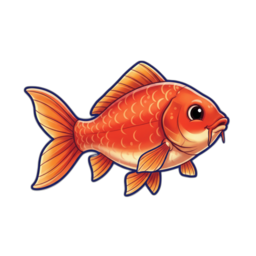
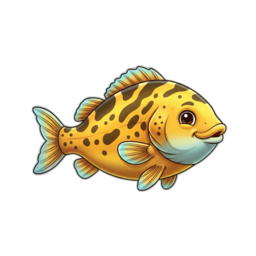
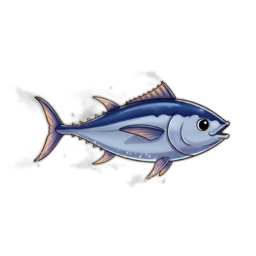
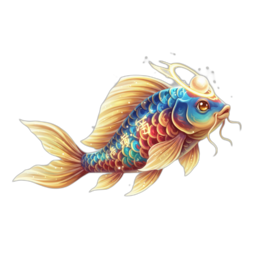
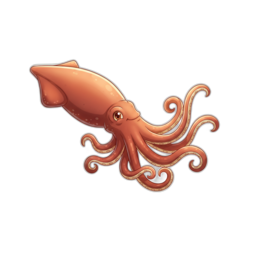
Fishpedia is closer to a target picker than a static list. Familiar species like Crucian Carp and stronger goals like Bluefin Tuna, Legendary Koi, and Giant Squid all sit inside the same collection rhythm.
Ops checklist
| Store access | Check Google Play and App Store links | Download path should be clear |
|---|---|---|
| First fishing run | Watch casting, bite reaction, and reeling | Controls should speak before long text |
| Collection progress | Review Fishpedia and fish samples | The next target should be visible |
Play on Android and iPhone/iPad
Use the store links below to start The Big One today.