
MCP Apps mengubah output agent menjadi permukaan produk
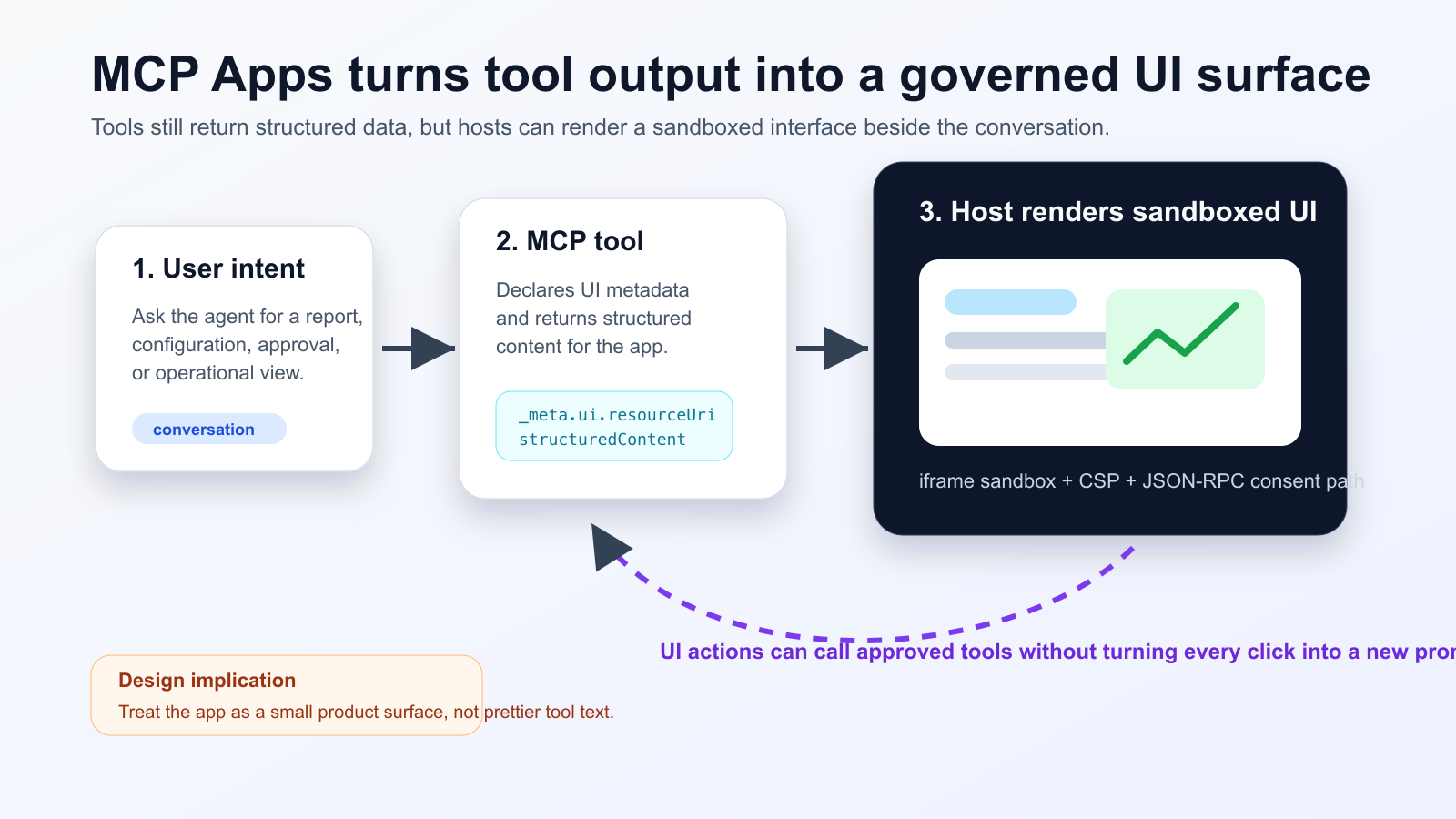
MCP Apps membuat tool agent dapat mengembalikan UI HTML interaktif, bukan hanya teks. Host merendernya dalam iframe terisolasi, sementara komunikasi kembali ke tool tetap melalui jalur yang bisa diaudit. Dukungan Nuxt MCP Toolkit menunjukkan pola ini mulai masuk ke workflow frontend normal.
Apa yang berubah
Tim perlu memisahkan ringkasan untuk model dari data detail untuk UI. Tombol yang mengubah state harus punya consent, audit log, dan strategi pemulihan.
Practical checklist
- Keep the tool schema stable before designing the widget.
- Separate model-readable summaries from UI-only detailed data.
- Require explicit consent and logs for state-changing actions.
- Test iframe sandboxing, CSP, CORS and OAuth redirects in the real host.
- Track UI actions, tool calls and failures in one trace.
Cocok untuk dashboard, approval, triage insiden, dan review dokumen. Tidak cocok untuk jawaban singkat. Selalu uji pada host produksi karena CORS, OAuth, dan kebijakan iframe bisa berbeda.
The practical conclusion is simple: treat MCP Apps as a product surface for high-friction agent workflows, not as decoration for every tool response.
Sumber
- Model Context Protocol Blog: MCP Apps - Bringing UI Capabilities To MCP Clients
- Model Context Protocol Docs: MCP Apps overview
- Model Context Protocol SEPs index: SEP-1865 status
- Vercel Changelog: Nuxt MCP Toolkit now supports MCP apps
- Nuxt MCP Toolkit documentation
- Microsoft Learn: Add interactive UI widgets to declarative agents
- Microsoft Q&A: MCP Apps UI does not render in Copilot 365 Chat, used as practitioner signal
- Reddit r/ClaudeAI thread on MCP Apps traction, used as community signal