
VS Code Agents window dan BYOK: tim perlu model operasi agent
Pembaruan VS Code terbaru bukan sekadar fitur Copilot baru. Agents window, BYOK, sesi remote, browser terintegrasi, dan keamanan terminal mulai menjadi satu workflow agentic.
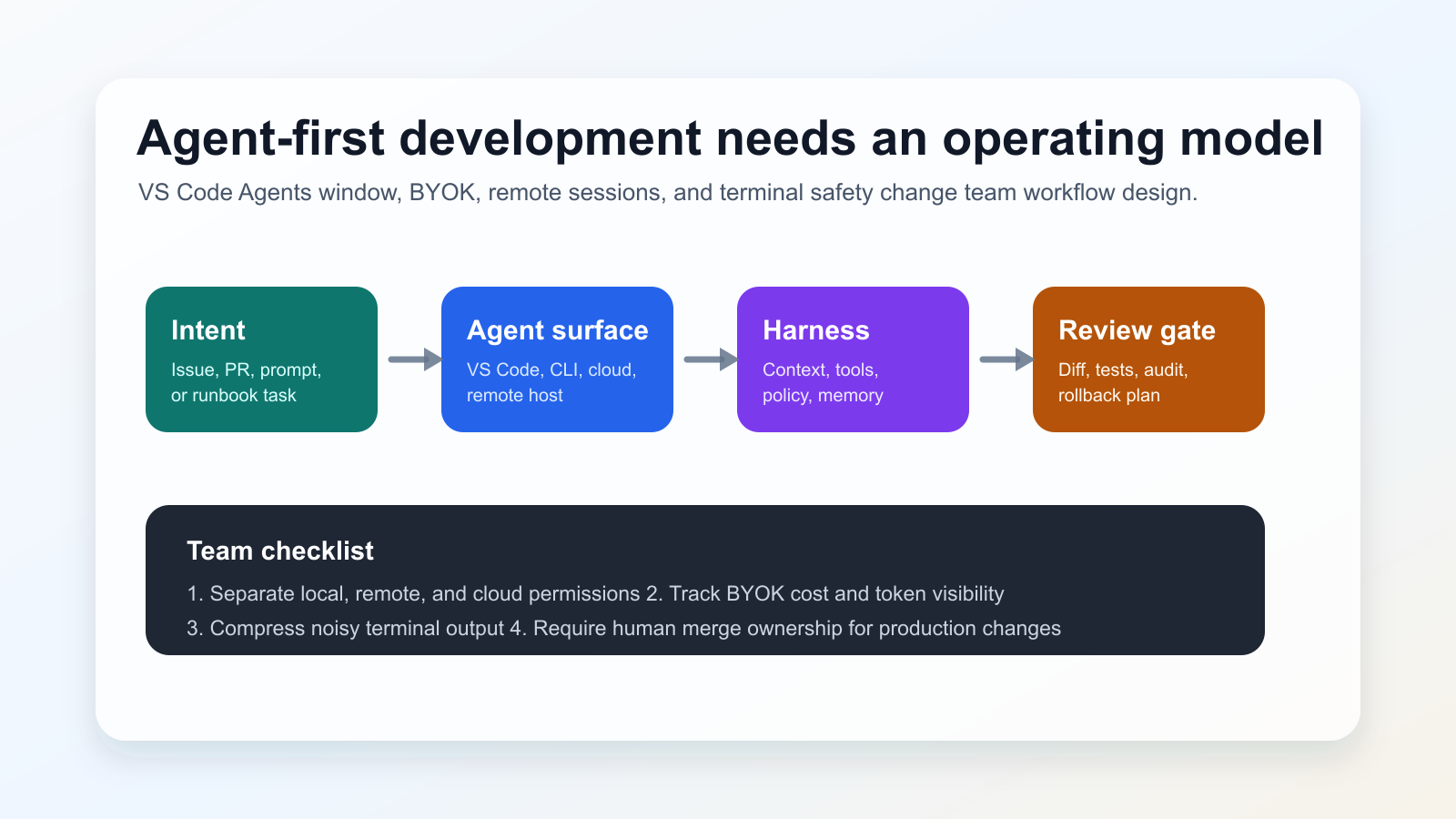
Apa yang berubah
GitHub’s June 3, 2026 changelog groups VS Code v1.120-v1.123 updates: Agents window in Stable preview, remote agents, Agent Host Protocol work, BYOK improvements, terminal output compression, risk assessment, and the VSCODE_AGENT environment variable. VS Code 1.122 also moves the Custom Endpoint provider into Stable and improves browser-based debugging support.
Mengapa penting
Model hanya satu bagian. Harness menentukan konteks, tool, izin, eksekusi, dan umpan balik. Karena itu tim perlu memperlakukan agent sebagai bagian dari proses engineering.
Sinyal komunitas
Developer discussions around VS Code 1.122 and local-model workflows show interest in BYOK and custom endpoints, but also concern about cost predictability, account policies, connectivity, and how much work should be delegated. These discussions are used here only as signals; factual claims rely on the official links below.
Checklist praktis
- Pisahkan risiko agent lokal, remote, dan cloud.
- Tetapkan aturan BYOK, biaya, data, dan fallback.
- Catat perintah terminal serta diff yang dibuat agent.
- Pertahankan review manusia sebelum merge.
Risiko
The main risk is over-delegation: long remote or cloud sessions can amplify unclear requirements. BYOK also increases operational responsibility because every provider adds policy, logging, quality, and failure-mode questions. Blocking all agent workflows is rarely practical, so teams need clear boundaries instead.
Sumber
- GitHub Changelog: GitHub Copilot in Visual Studio Code, May releases
- Visual Studio Code 1.122 release notes
- VS Code documentation: Use the Agents window
- VS Code documentation: Using agents in Visual Studio Code
- VS Code Blog: The Coding Harness Behind GitHub Copilot in VS Code
- Community signal: VS Code 1.122 discussion on r/GithubCopilot
- Community signal: local model and Agents window discussion on r/LocalLLaMA