
GitHub issue artifacts give plans a home beyond the comment thread
A pull request can explain what changed while the reason for the change remains buried in an old chat. Add an agent’s investigation and a revised plan in separate places, and the next person may repeat the investigation. GitHub’s October 28 public preview of issue artifacts offers a place to attach that material directly to the issue that owns the work.
A conversation and an evolving document serve different purposes
Artifacts can be Markdown documents, external links, or HTML documents. A team might attach a root-cause analysis, a prototype, and a relevant Slack or Teams discussion. On github.com, artifacts can be created and edited while retaining version history. These are separate from GitHub Actions artifacts: the latter are outputs of workflow runs, rather than documents attached to an issue.
Consider an invented bug where a payment is processed twice. Comments can capture fresh observations, while a plan records whether retries reuse an idempotency key and which cases remain unexplored. The first illustration is a document written for this article, not a product screenshot. Separating observations, hypotheses, and proposed experiments helps keep an untested guess from turning into an agent’s assumed requirement.
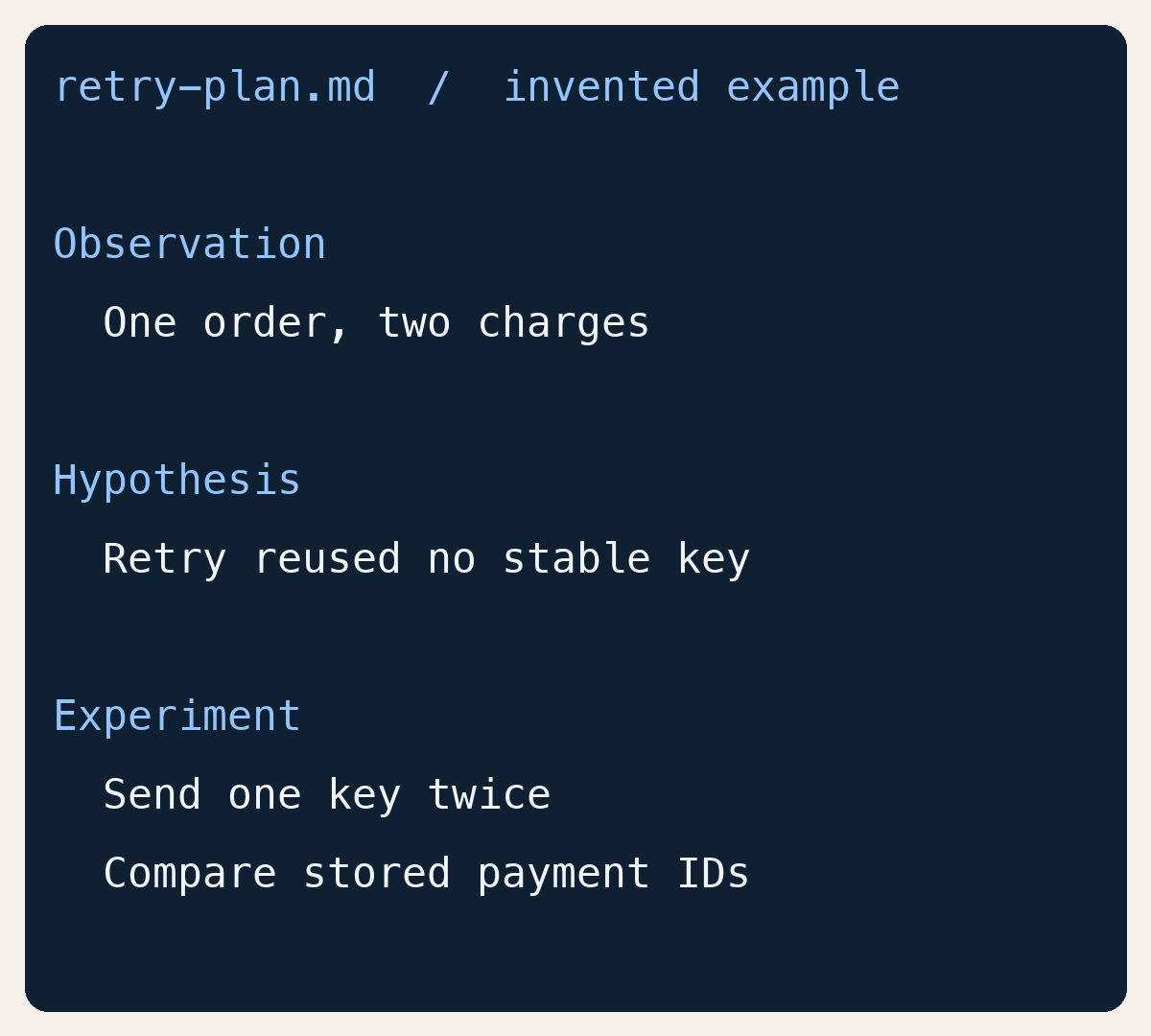
Attach a file, then maintain the same piece of context
The documented gh issue artifact create command accepts an issue number or URL followed by files or links. For example, gh issue artifact create 42 retry-plan.md -R OWNER/REPO would attach that file to issue 42 in the named repository. The repository and number are placeholders. Running it performs a write to the issue; we have not run it for this article.
A file can supply the artifact’s name, or --name can specify one. --body-file reads the content for a single document, and --attach supports image and video attachments. To replace the document later, gh issue artifact edit 42 1 --body-file retry-plan.md -R OWNER/REPO identifies both the issue and artifact. The second illustration presents command syntax, not a transcript claiming successful uploads.
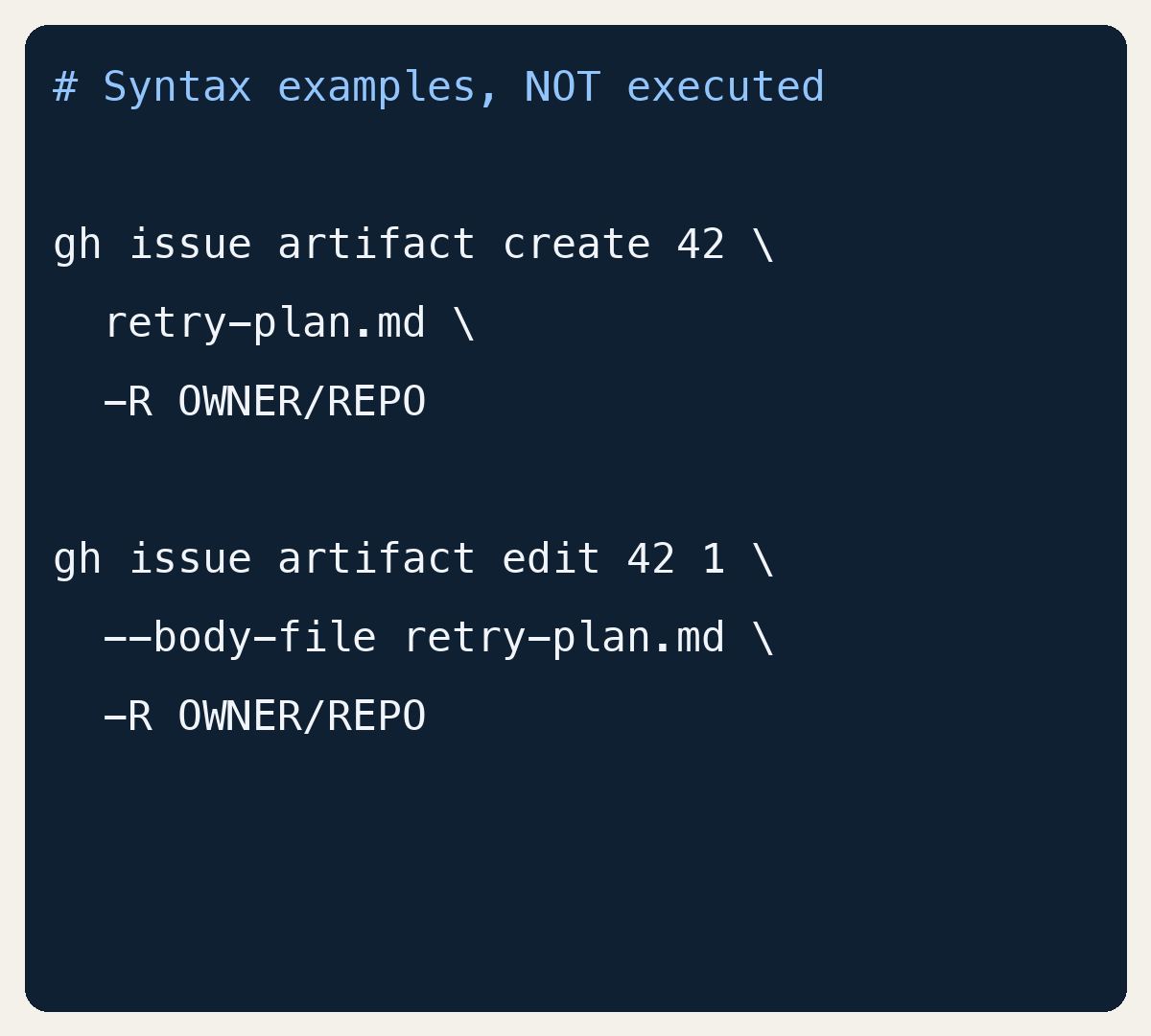
Keep the current plan without losing how it changed
The edit command can rename an artifact or replace its content, but it does not change its type. --restore-version saves an earlier name and content as a new version; view exposes the edit history. That gives a team a way to keep a current plan while retaining the path that led there, instead of choosing between an obsolete document and an erased decision.
In the payment example, an investigation could begin with a timeout theory and later narrow to duplicate-key handling. Updating the plan and linking a comment that explains the change would make the narrative easier to follow. That is an editorial suggestion, not an automatic product behavior. An attached plan cannot establish that code is correct: keeping evidence beside each conclusion still matters when another person or agent resumes the task.
HTML support has a surface-specific boundary
GitHub’s announcement describes switching HTML artifacts between rendered preview and source. It also says creating and viewing HTML artifacts in the GitHub App is coming soon. Automatic attachment of artifacts made during an app session should therefore not be read as full HTML support on every surface. The CLI feature is also a preview, with syntax and behavior subject to change.
The useful shift is where context lives, rather than how many documents a team produces. An investigation linked to its issue gives the next person or agent a clearer starting point. One existing plan, maintained through a subsequent revision, is enough to explore that workflow. The announcement and current CLI documentation below explain the supported operations and their boundaries.