
The Big One Current Setup Fish Preview: Choosing the Right Fishing Spot
Game
Views 232
A good run in The Big One starts before the cast. Your rod, bait, and open net space change which fish are worth chasing and how long a session should feel.
This guide uses the in-game “Fish available with current setup” preview to pick a spot, then turns each catch into a clearer Fishpedia goal.
Read the setup first
The fishing spot screen is not just a travel menu. It is a quick readiness check: enough bait, enough net space, and fish that make sense for your current equipment.
A simple early-spot route
This table frames early spots by the decision each one helps you make.





| Spot | Check | Next action |
|---|---|---|
| Village Pond | Learn the basic loop | Cast lightly and get used to reeling. |
| Mountain Stream | Watch bait use and bite rhythm | Use the bait count to decide when to visit the shop. |
| Reservoir | Check net space and selling timing | Sell before the net interrupts the next run. |
| Great River | Review gear before larger fish | Tune rod and net choices before pushing ahead. |
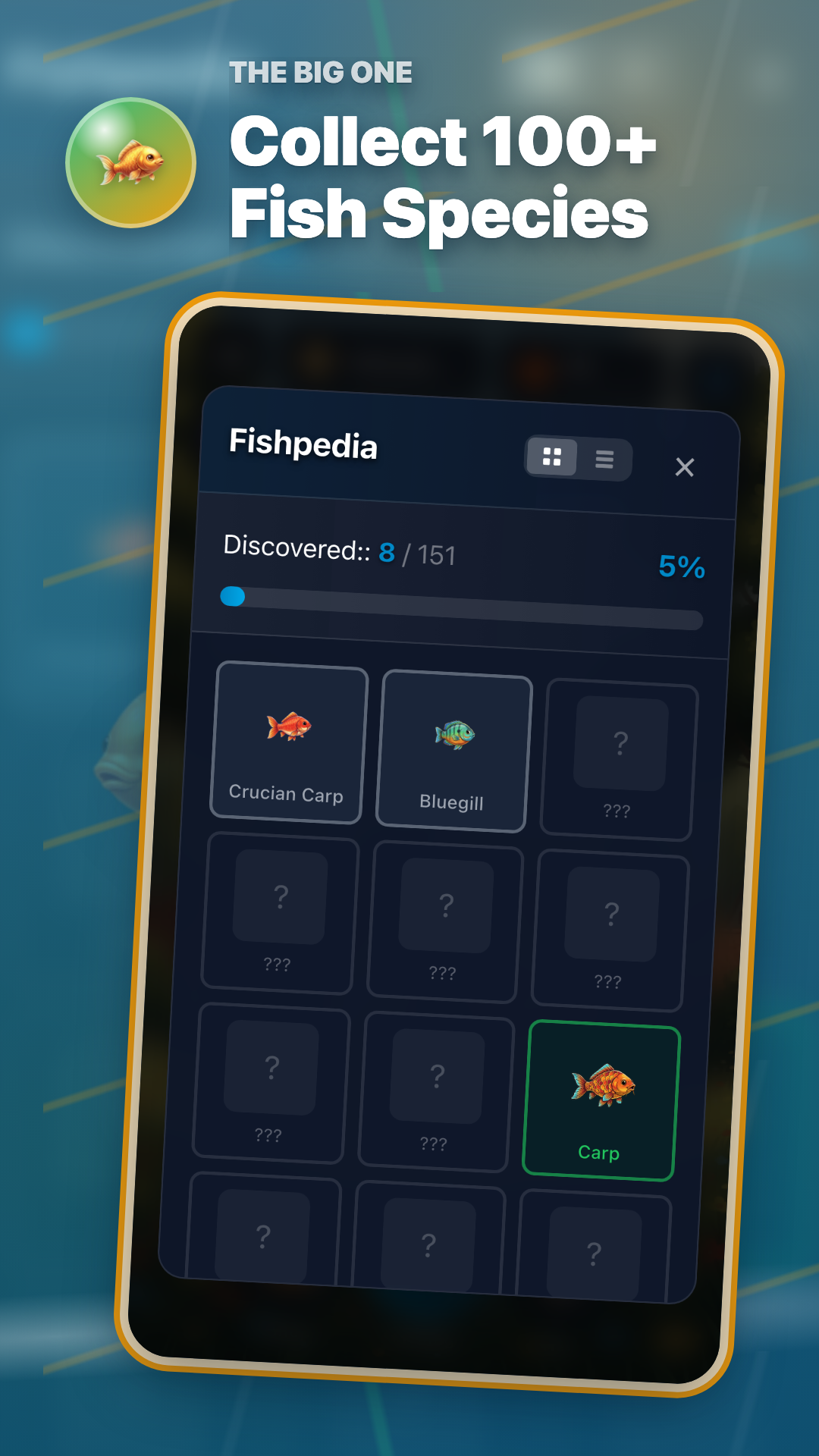
| Deep Lake | Compare Fishpedia gaps with rare targets | Open Fishpedia and choose one missing entry. |
One-run routine
- Check equipment and bait before entering a spot.
- If the preview shows your target, start fishing there.
- After the catch, open Fishpedia and pick the next missing entry.
Fish available with current setup · Equipment · Rod · Bait · Net · Fishpedia
Download
The Big One is available on Android and iPhone/iPad. Open the store pages below.