
The Big One Social Save Guide: Continue on a New Device
The Big One is a casual fishing RPG built around casting, waiting, hooking, reeling, equipment progression, 150+ fish species, 10 fishing locations, and Fishpedia collection.
Public version 1.2.4 added a social-account flow for saving progress and continuing on a new device. Android uses a Google account; iPhone and iPad can use Apple or Google.
What to do before changing devices
On the old device, open Settings and check the social sign-in status. If the game says you are signed in, note which account is connected. Progress cannot be found automatically on a new device if the old game was never linked.
Settings → Social Sign-in
Check the journey you want to carry over
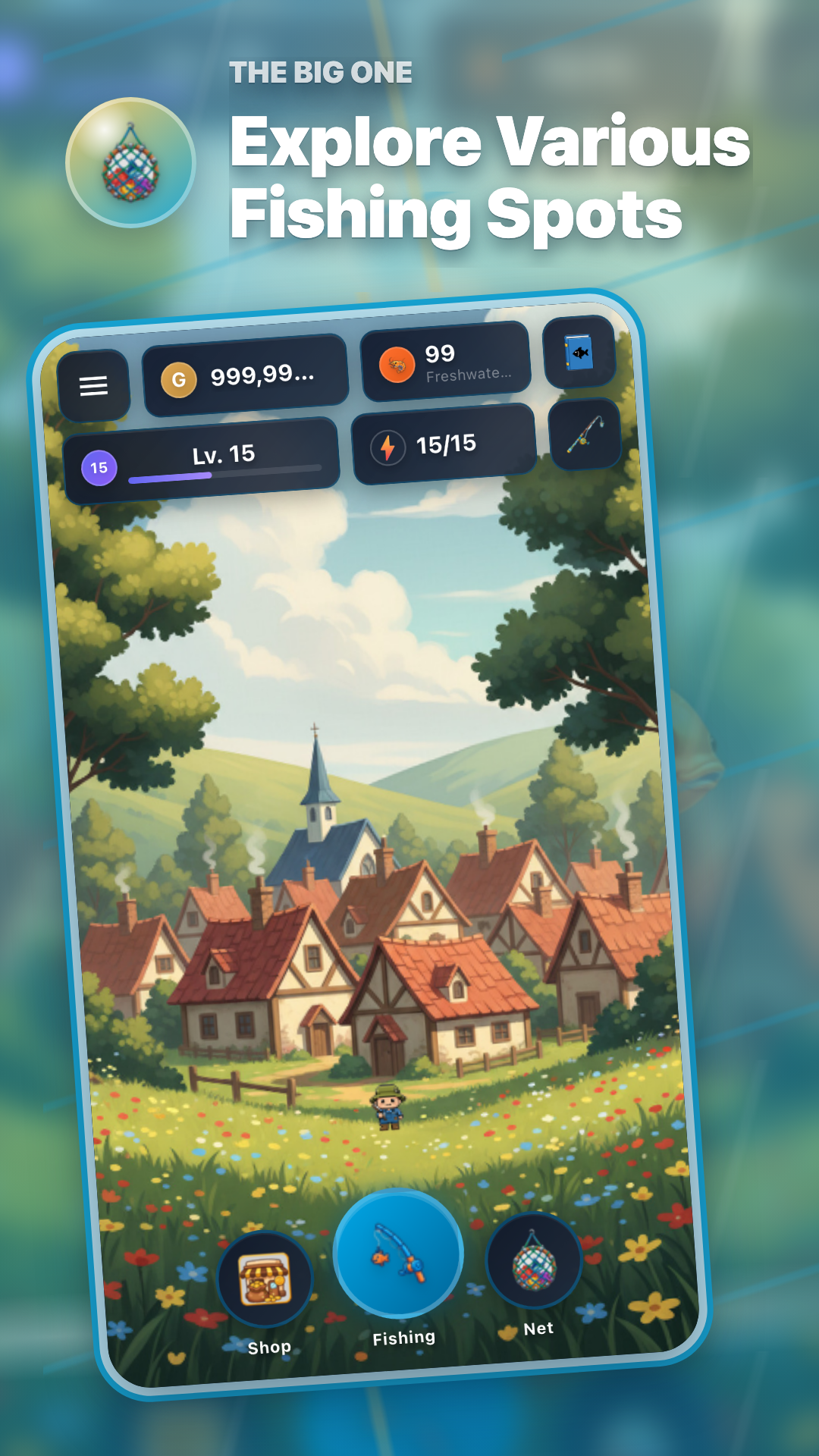
Three steps to continue on a new device
| Step | Action on screen | Check before continuing |
|---|---|---|
| 1 | Open Settings on the old device and sign in with a social account. | The connected Google or Apple account |
| 2 | Install The Big One on the new device and sign in with the same account. | Account email and displayed progress summary |
| 3 | If a conflict appears, choose the data you will actually play. | Level, gold, and last-played time |
Which data should you choose?
If you play briefly on the new device before signing in, both “Current device data” and “Social account data” may appear. Compare level, gold, and last-played time instead of choosing by label alone.
Current device data
Choose this only when you intend to keep the progress just created on the new device. Read the stated effect before confirming.
Social account data
Choose this to return to the progress saved from the old device. The app may reload after the choice.
Important: You can sign in on more than one device, but active play follows the latest connected device. Returning on another device may show a prompt to reload server data.
Sign-in choices by platform
Android continues with Google. iPhone and iPad support Apple or Google. Use the same account that was linked on the old device and is available on the new one.
Fishpedia · Equipment · Select Fishing Spot
Continue with these guides
- Starting The Big One on Android and iPhone/iPad
- The Big One Profile Progress Compass: Four Signals for Your Next Cast
- The Big One Beginner Signal Guide: 5 Things to Check Before the Next Cast
Install The Big One on the new device
Install the latest store version, then sign in with the same social account used on the old device.