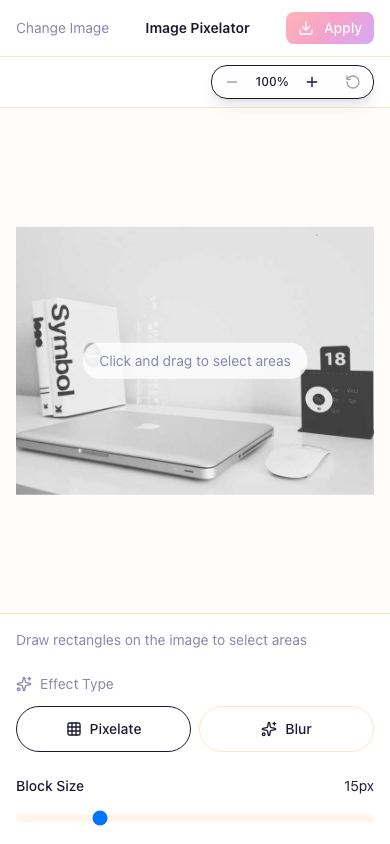
Free Online Image Pixelator - Easy Photo Editing for Privacy Protection
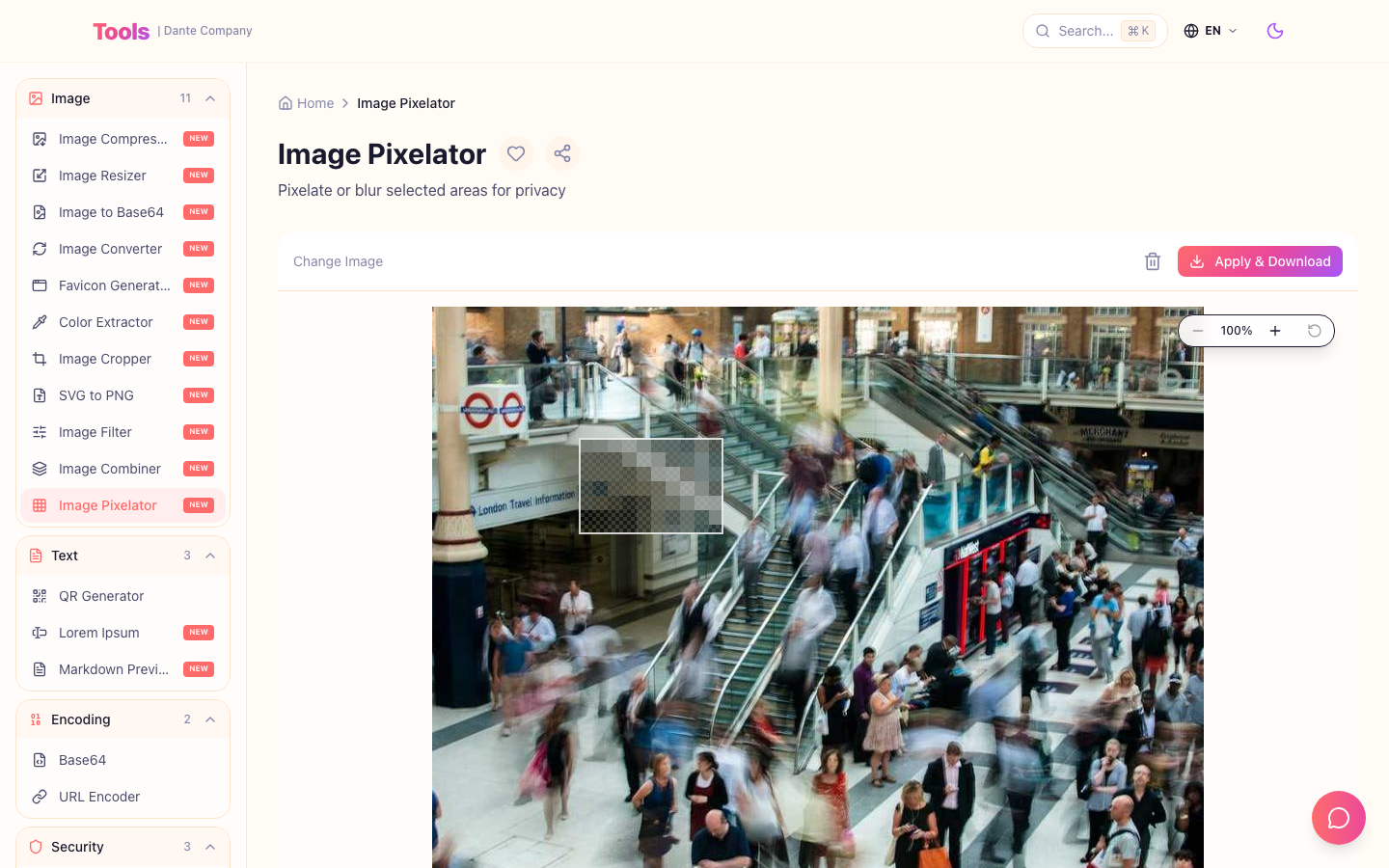
Ever tried to post a photo on Instagram only to realize there's a license plate in the background? Or maybe you needed to share a screenshot but it had some personal info visible... We've all been there, right?
Opening Photoshop feels like overkill, and downloading yet another app? No thanks. That's why I built this - an image pixelator tool you can use right in your browser!
What You Can Do
Pixelate areas to make them unreadable, or blur them for a softer look - pick whatever works for your situation. Just drag your mouse to select the area, and the effect applies instantly with a real-time preview. Need to work on fine details? There's a zoom feature for that too.
How to Use It
1. Drag and drop an image or click to select a file
2. Draw a rectangle over the area you want to hide
3. Choose between mosaic or blur effect
4. Adjust the intensity and download - done!
Takes less than 5 minutes. Seriously.
Why I Recommend This Tool
First off, it's completely free. Sign up? Nope. Installation? Not needed.
And here's the best part - your images never leave your browser. Everything is processed locally, so you don't have to worry about your photos being uploaded to some random server. This is my favorite thing about it.
Give it a try: https://tools.dante.company/tools/image-pixelator
Works Great on Mobile Too
Oh, and it works just as well on smartphones and tablets. So even when you need to quickly edit a photo while you're out, you're covered!