
4 Image Processing Tools for Developers
Image processing needs arise frequently during development. Adjusting thumbnail sizes, cropping specific areas, applying filters, or extracting colors from designs.
Without opening Photoshop, you can handle these tasks right in your browser at Dante Tools.
1. Image Resizer - Resize Images
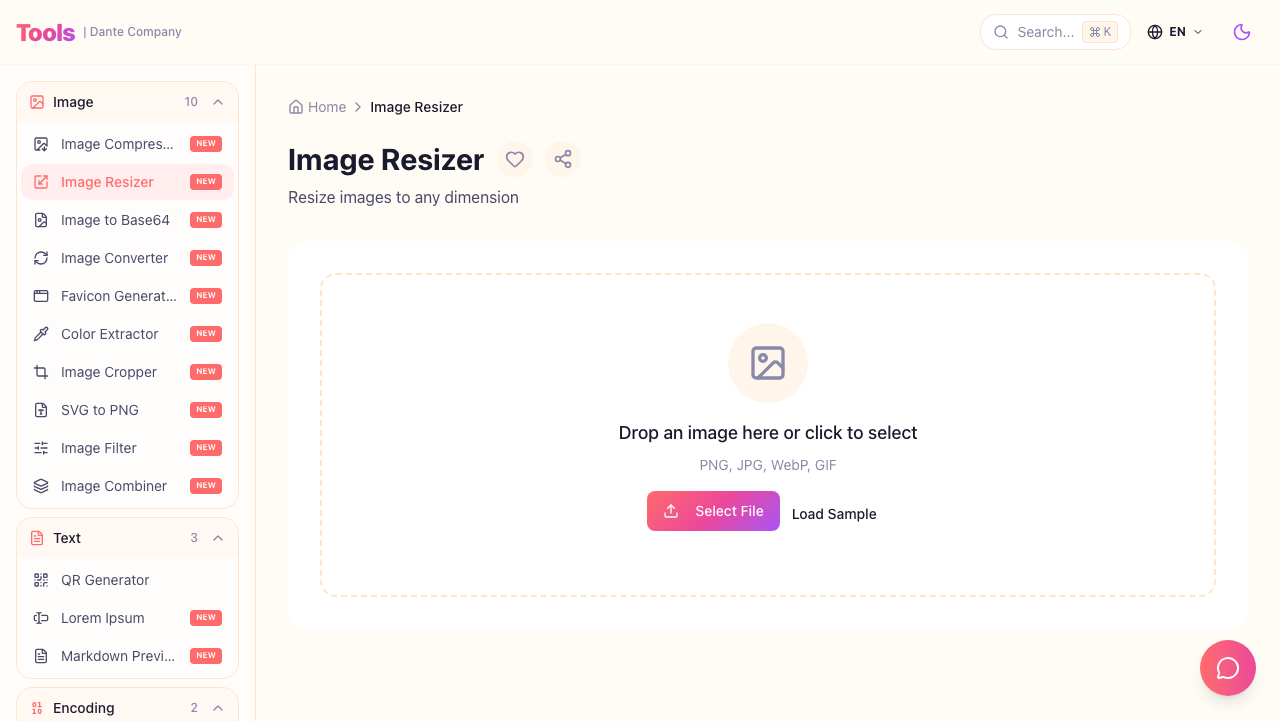
Resize images to your desired dimensions. The aspect ratio option prevents image distortion.
Key Features:
- Pixel-based size specification
- Aspect ratio lock option
- Drag and drop upload
Use Cases:
- Creating thumbnail images
- Fitting SNS profile photo sizes
- Adjusting website banner images
2. Image Cropper - Crop Images
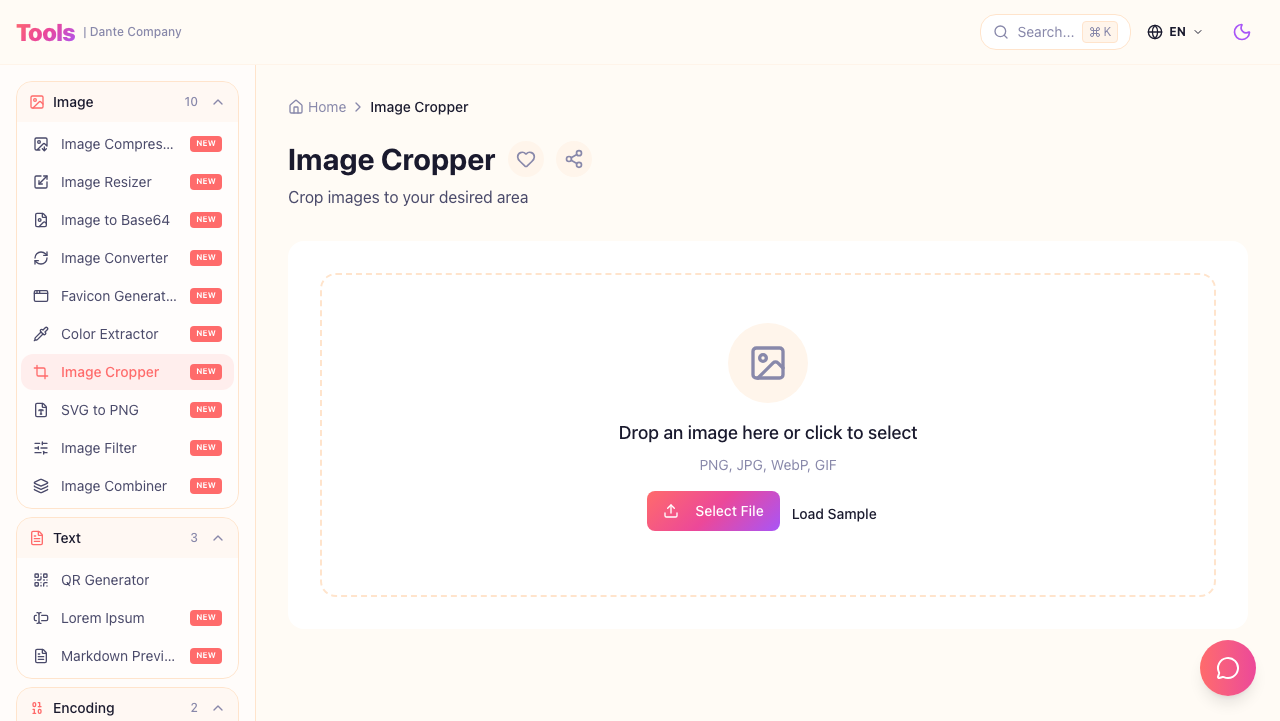
Cut out specific areas of an image. Ratio presets make it easy to crop to SNS-friendly sizes.
Key Features:
- Free area selection
- 1:1, 16:9 ratio presets
- Preview function
Use Cases:
- Square cropping profile photos
- Extracting specific areas from banners
- Cutting only needed parts from screenshots
3. Image Filter - Apply Image Filters
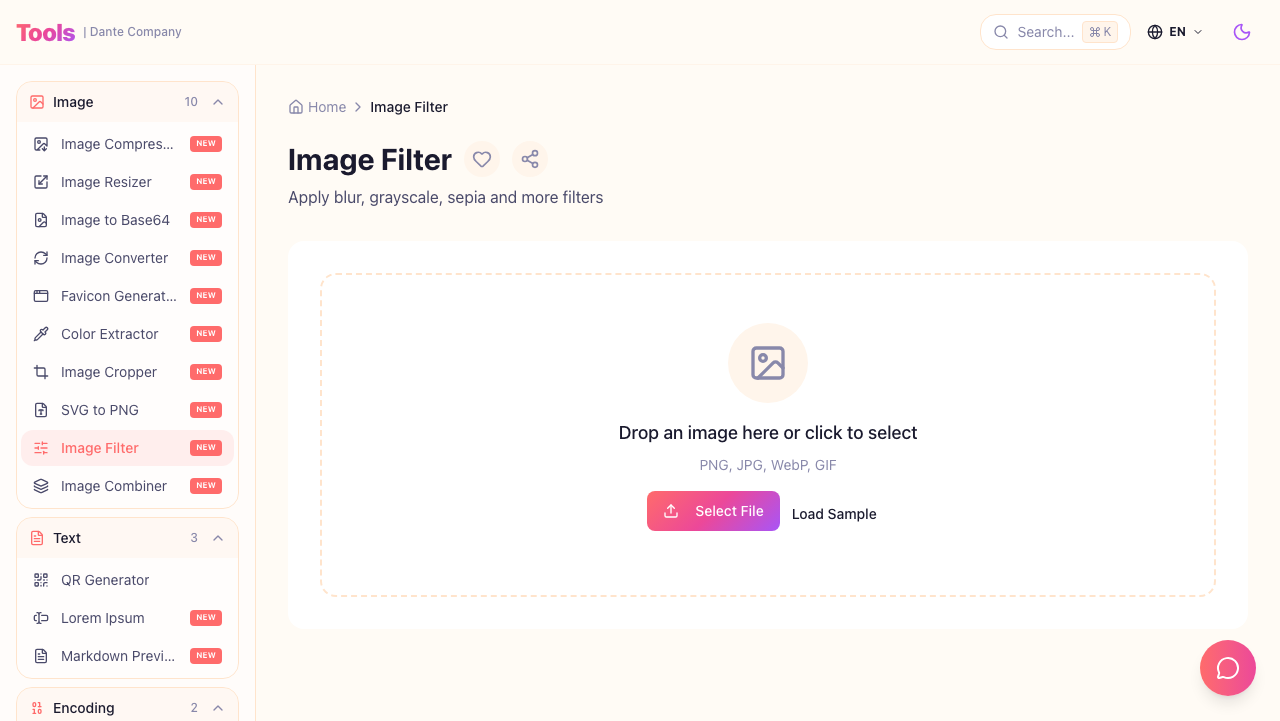
Apply various filters to images. From brightness, contrast, saturation adjustments to black & white, sepia effects.
Key Features:
- Brightness/contrast/saturation adjustment
- Preset filters like black & white, sepia
- Real-time preview
Use Cases:
- Blog image tone correction
- Applying consistent image styles
- Simple image adjustments
4. Color Extractor - Extract Colors from Images

Extract dominant colors from images. Get color palettes that match your images for design work.
Key Features:
- Automatic dominant color extraction
- HEX/RGB code provision
- Color palette generation
Use Cases:
- Extracting brand colors from logos
- Selecting UI colors that match photos
- Creating reference color palettes for design
Wrap Up
Bookmark these 4 tools and you can quickly handle image processing needs during development without Photoshop.
All tools are free and available without signup. Check out more developer tools at Dante Tools.