
Use Fishpedia Search and Filters to Pick Your Next Catch
A run in The Big One can be short: cast, wait, hook, reel, and decide whether to keep going. The larger question is what to chase next when there are 150+ fish species across 10 fishing locations.
That is where Fishpedia becomes more than a collection screen. Used well, it is a planning view: search a fish, narrow by rarity or time, check available bait and locations, then return to the water with a clear target.
The key labels to watch are Search fish, Filters, Sort, Available bait, and Appears at in Fishpedia.
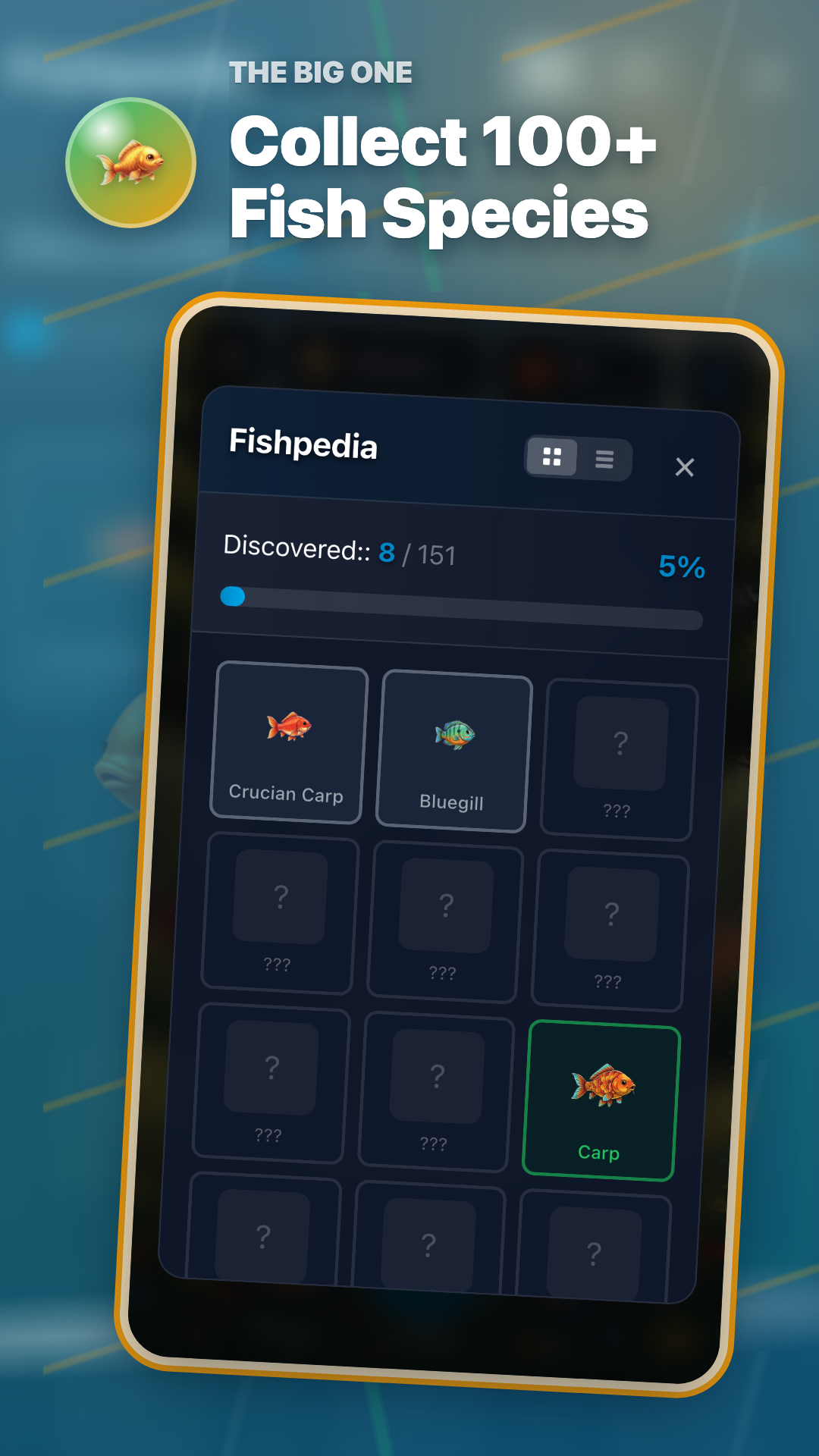
A four-step Fishpedia workflow
You do not need to memorize every species. This simple loop keeps a short play session focused.
- Use search when a fish name or silhouette is already in your head. It is the fastest way to revisit something you have seen before.
- Use rarity and time filters to narrow the field. If you only have a few minutes, start with fish that match the current window.
- Open details to check available bait and where the fish appears. Moving from Village Pond to Deep Lake or Deep Sea changes the preparation rhythm.
- Use sorting when you want a better record, not only a new discovery. Heavier or higher-value targets make repeat sessions feel purposeful.
Remember targets by image
The more often you open Fishpedia, the more you remember colors and silhouettes before names. A small target board helps connect early catches with later goals.
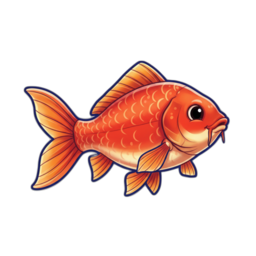 Crucian Carp
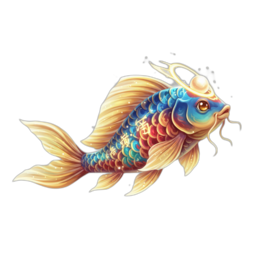 Legendary Koi
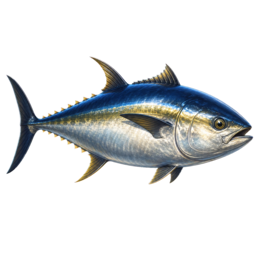 Giant Bluefin Tuna
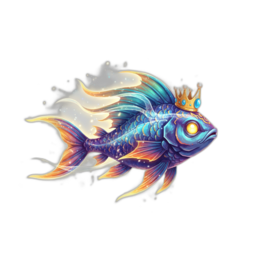 Deep Sea Ruler
Turn Fishpedia entries into play decisions
| Fishpedia | Play decision |
|---|---|
| Search | Return to a fish you remember by name. |
| Filters | Narrow by rarity, time, bait, or location. |
| Sort | Choose the next record by weight, value, or discovery state. |
| Details | Confirm location and available bait before casting. |
A short-session routine
- Pick one missing or interesting entry in Fishpedia.
- Check where it appears and which bait can help.
- Prepare gear, cast a few times, then return to Fishpedia.
- If it does not show up, adjust the filter and leave yourself a next target.
Download
If you want to try the loop now, download The Big One from the store links below.