
The Big One Logo Inspection: How to Verify the Same Fish Across Different Scripts
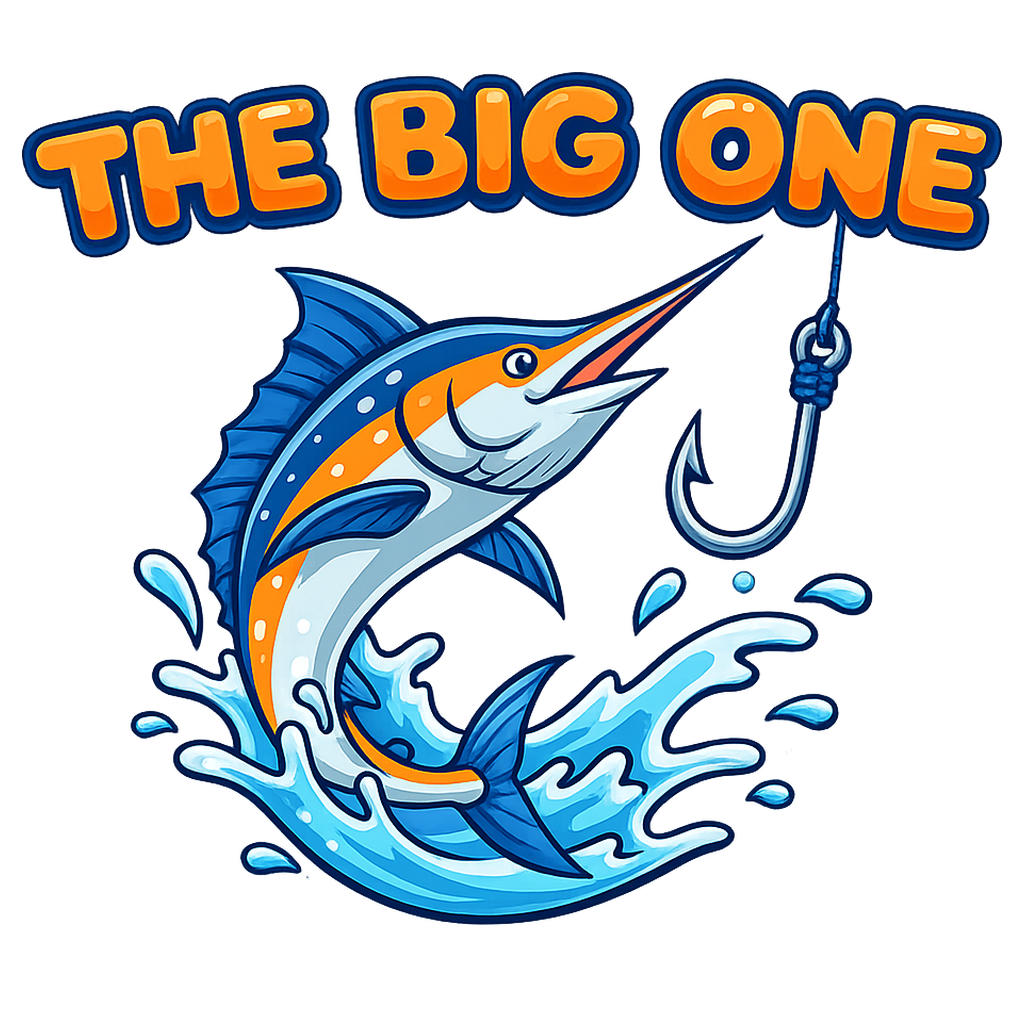
Before launching a fishing game, the very first fish you encounter might just be the one in the logo. The Big One's logo layers titles in different scripts over a shared illustration of a fish and a hook. Today, instead of introducing new features, I share how I inspected this small first screen as a developer.
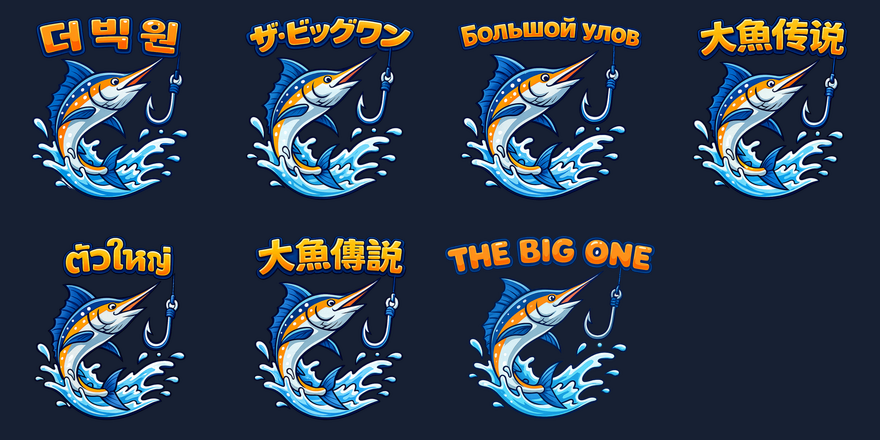
The Illustration Is the Same, but Reading the Name Differs
Retaining the same fish and waves helps maintain the impression of the same game, even when viewing screens in multiple languages. However, character counts and stroke densities vary across languages. A width that looks clean in English cannot simply be assumed to work equally well in Korean, Japanese, or Thai.
The comparison images below were verified by directly opening current local production assets. This is neither an update announcement that a new logo has been rolled out to all users, nor material guaranteeing parity across versions released in various app stores.
Filenames Are the First Clue, but Actual Text Is the Standard for Verification
The logo selection code links Korean, Japanese, Russian, Thai, Simplified and Traditional Chinese, and Latin script regions. Here, verification does not end with checking whether a file path exists. One must place the transparent background image over a dark background and actually read the text.
During this local inspection, a mismatch was discovered where the image in the thai path contained Simplified Chinese, and the image in the han_simplified path contained Thai. The images in this post were correctly selected based on the actual text displayed. This does not mean the game assets themselves have been modified or redeployed to app stores yet.
What Must Remain at Small Sizes Is the Name and the Impression of Fishing
Even a logo that is sharp at its original large resolution can make characters and the hook appear mashed together in a small area on a phone screen. We separately check whether the name remains legible at smaller scales, whether the outline of the letters bleeds into the background, and whether the illustration draws excessive attention away from the name.
This visual check is distinct from metrics indicating improved gameplay performance. There are no measurement results showing increased downloads or session duration. It is a production phase focused on verifying whether readers can recognize the same game and read its title in their own language.
After the Logo, Looking at the Actual Gameplay Screen
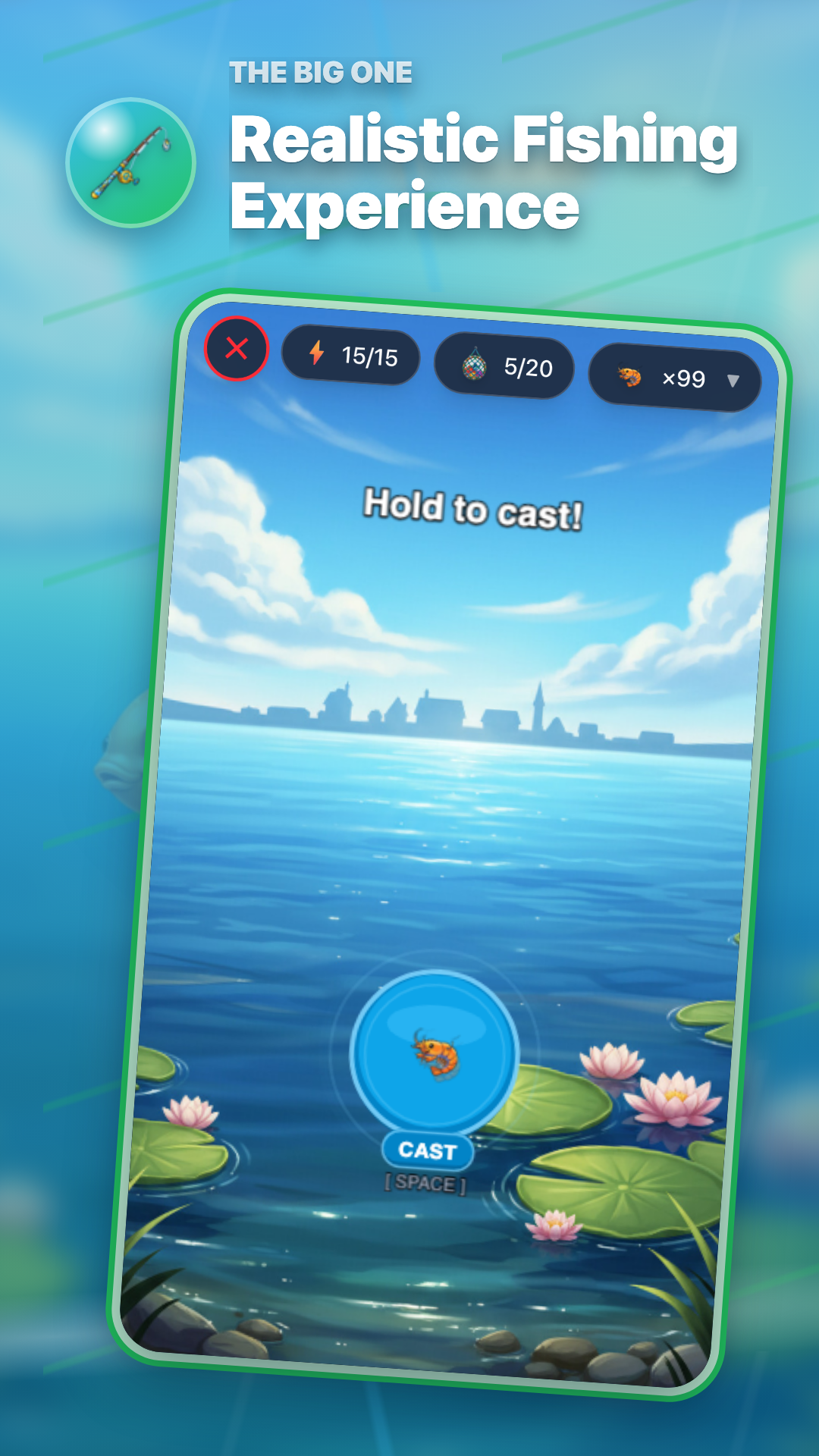
The Big One is a casual fishing RPG that cycles through casting, waiting, hooking, and reeling. Looking at the actual fishing scene alongside the fish book, as shown in the gameplay screen below, allows one to compare whether the fishing impression promised by the logo carries through into the game.
A logo alone cannot explain the fun of gear progression or completing the fish book. If you are starting for the first time, try playing through from casting to landing a catch, and look up fish of interest in the fish book. You can read more in the related articles below for terminology and gear guides to help you understand the screens.
Records to Keep for the Next Production Inspection
We log the script region, the actual displayed characters, legibility at small sizes, and the hash of the verified image. Instances where filenames and image contents diverged must be documented as separate action items for correction. Today's post is a development record documenting that verification process and is no substitute for an unverified deployment result.
Related articles
- Localizing The Big One: Keeping the Fishing Feel Across 15 Languages
- Rods, Baits, and Nets: A Simple Equipment Guide for The Big One