
The Big One fish-lock guide: choose one catch to keep before selling all

Hello from the developer of The Big One. After a fishing session, selling your catch is a convenient way to prepare for another cast. But one fish may be worth keeping for a personal reason, even when you are ready to sell the others. This guide explains how to separate that individual catch from the fish you want to turn into gold. Start with the decision to keep a fish, rather than assuming its rarity will protect it for you.
A lock belongs to an individual catch
The lock control on a fish card in your net changes that catch’s lock state. Catching two fish of the same species does not automatically protect both when you lock one. Read the card and its weight, then check the visible lock indicator. Locking is a way to postpone a sale decision. It should not be confused with recording a species in Fishpedia, increasing encounter odds, or giving every future catch of that species permanent protection.
Read what Sell All actually includes
The fish merchant calculates the sellable count and gold from unlocked fish. Sell All leaves locked catches in the net. If the merchant’s count differs from the total number in your net, check locks before treating the difference as a bug. When every catch is locked, there are no sellable fish and Sell All is unavailable. The confirmation dialog is a final opportunity to read the scope of this sale, rather than a message to dismiss from habit. A larger total net count does not mean all those fish are included in the sale.
Choose at the fishing spot, check in the village
A useful sequence is to open your net at the fishing spot, choose the catch you want to keep, and then visit the village fish merchant to sell. Check the chosen card’s current lock indicator first. At the merchant, read the sellable count and gold again. Cancel if the numbers are unexpected and inspect your net. Trust the current card state more than your memory of tapping a button. If a fish you intended to sell remains afterward, check whether that particular card is still locked.
Keeping a catch still uses net space
A locked fish is excluded from a sale but remains in your net. Locking everything does not create space for the next fishing session. Choose the catch you have a reason to keep and decide separately what to do with the rest. When that reason changes, review the individual card before unlocking it and making a new sale decision. This guide makes no promise of an undo or automatic storage feature. A lock helps define the sale’s scope; it does not remove the need to inspect the final confirmation.
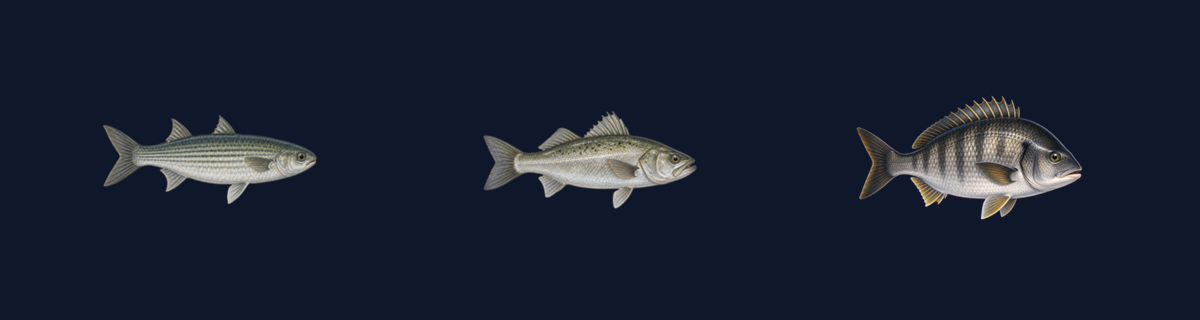
Before your next cast, check the fish card you chose to keep, the merchant’s sellable count, and the catches remaining after the sale. This guide uses public iOS 1.3.3 and matching release resources checked on October 10, 2026. The illustration below compares official fish artwork; it is not a capture of the inventory screen. Check each platform’s store for its update timing.