
Create a secure initial password for your outsourcing account with a password generator.
If you remember the password yourself when creating a test account or handing over a temporary administrator account to an outsourced developer, it is easy to repeat the pattern.
Passwords that are a mix of project names, company names, and people's names are easy to remember, but they become dangerous the moment they are shared.
In this case, it is helpful to set a standard and create a new password each time using Dante Tools password generator, which can be used directly in the browser. https://tools.dante.company/en/tools/password-generator
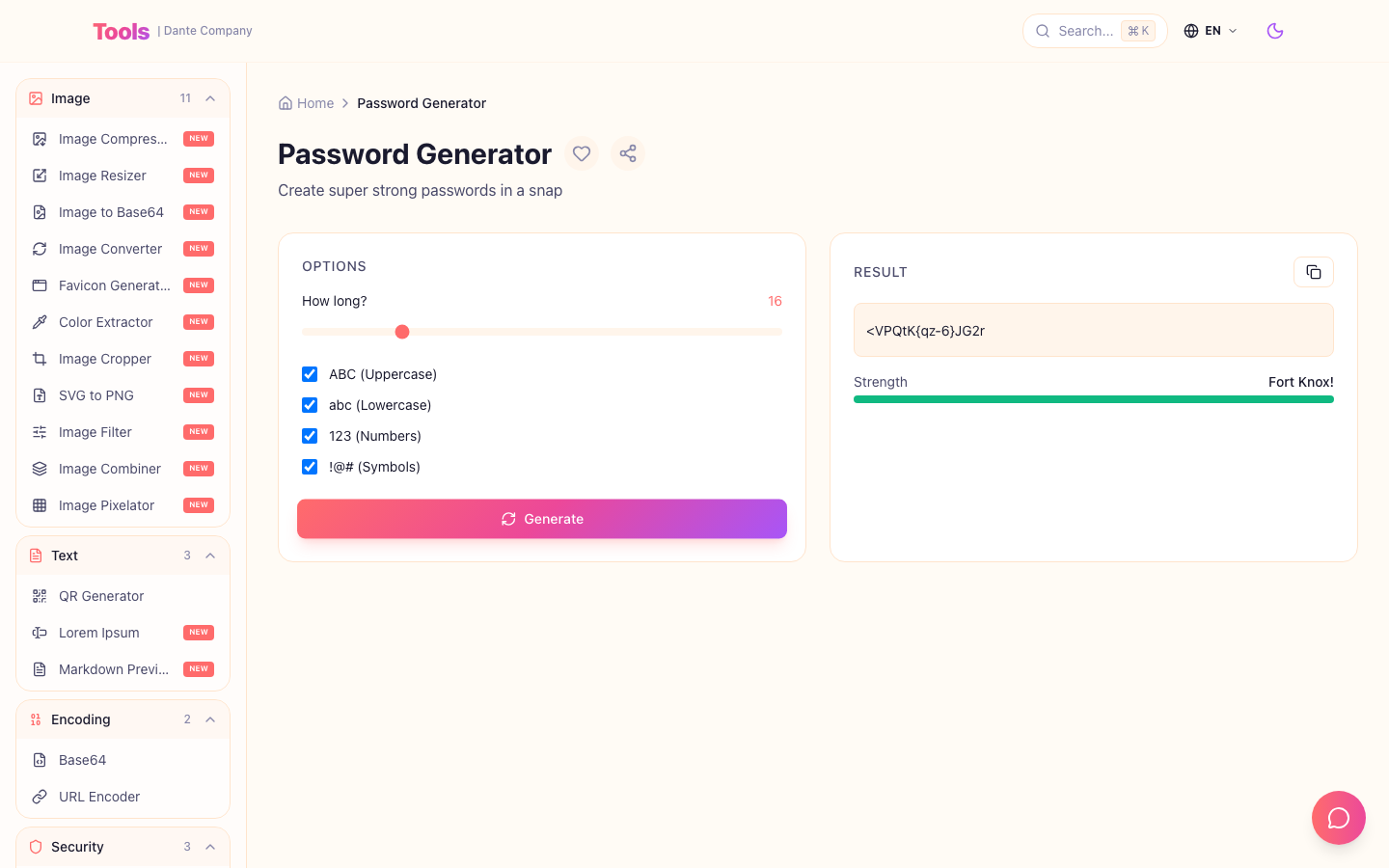
By determining the length and character combination, you can quickly create an initial password that is difficult to predict for each account.
When is it best to use it?
This is useful for creating outsourced developers, test accounts, and temporary administrator accounts.
Especially in projects where multiple temporary accounts are created, management becomes easier if the initial password creation criteria are unified.
practical routine
- The length should be at least 16 characters.
- Includes all uppercase letters, lowercase letters, numbers, and special characters.
- The generated password is issued differently for each account.
- When delivering, do not leave your account and password together in one messenger.
- After logging in for the first time, users are instructed to change their password.
Check before deployment
- Make sure the person's name, project name, or company name is not included in the password.
- Also check to see if you are reusing the same password for multiple accounts.
- It is also a good idea to check whether the policy of requiring a password change on the first login after sharing is turned on.
Creating a password may seem like a small task, but when it comes to managing recurring temporary accounts, it becomes a basic routine that reduces accidents.
If you set the creation criteria from the beginning, account delivery will be faster and it will be easier to organize later who received which account and when.
Go to tools:
https://tools.dante.company/en/tools/password-generator
Original blog post:
https://blog.dante.company/en/articles/password-generator-team-account-security-guide